Spin For Free Getting Started
A first-hour route for the P2W Games Studio lobby so the timer is never empty.
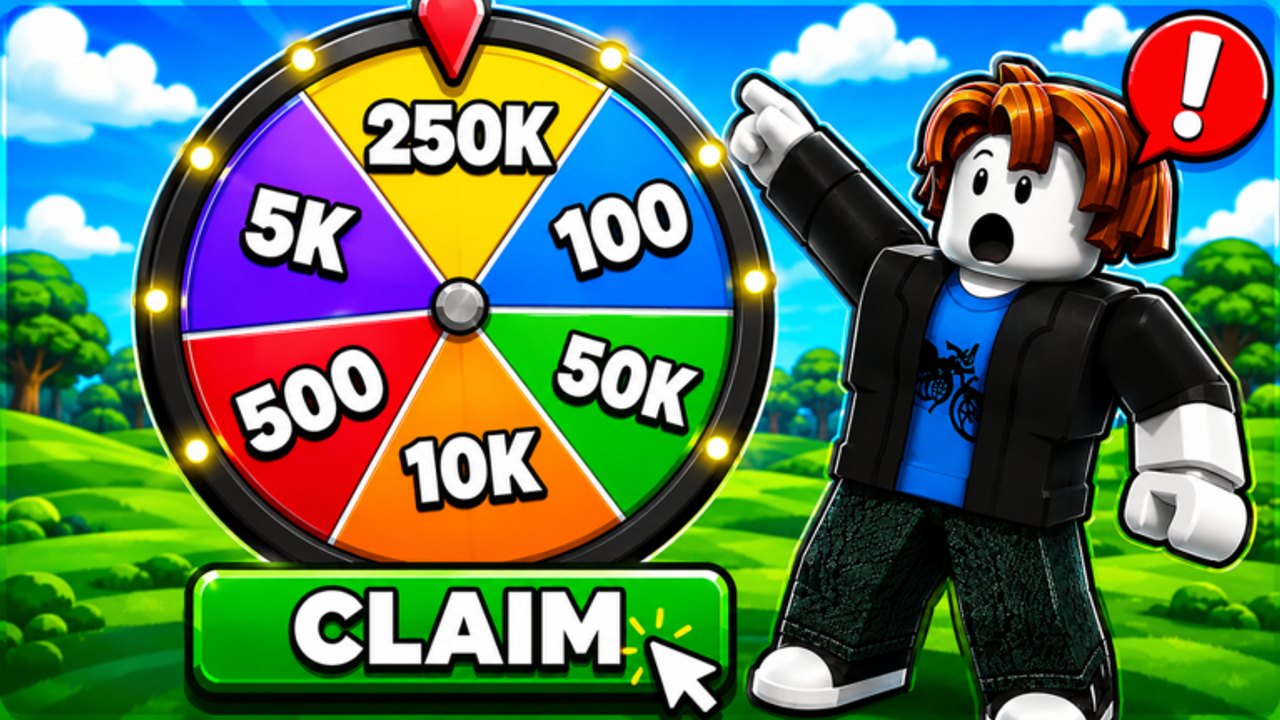
You load in, a color wheel sits at your feet, and a dozen icons light up at once. Spin For Free is not a long campaign. It is a loop. This beginner guide is the loop in order, written for the June 2026 Roblox place by P2W Games Studio.
If you only remember three things: redeem working codes, stand in AFK Arena, and read how prizes work before you treat Withdraw like a cash machine.
Minute 0–2: read the HUD, do not buy yet
Wait until the left rail finishes. You should see a star bar, Trade, Shop, Play, Withdraw, Codes, VIP, plus Report and Chat at the bottom. The right rail shows a gift timer, a stack of spin packs (+10 through +1500), Music, Invite, and a luck chip. The bottom center is the spin button and the Free Spin In countdown.
That countdown is the free engine. Everything else is a multiplier or a shortcut. Do not tap the +10 pack until you have read the tier list.
Minute 2–4: redeem codes
Open Gear or Codes and enter FREE, UPDATE1, REWORK, then AUTOPAYOUTS. The redeem guide covers both menus. If a string fails, leave it and continue. You want the confirmed spins in your pocket before the first idle tick.
Minute 4–8: find AFK Arena
Walk until you see the AFK Arena 2x Spins banner. Standing in that volume is the beginner farm. You can still spin from there. You can also open this wiki on a second screen. The obby page explains the number-puzzle kiosk on the side if you want extra rolls instead of pure idle.
Minute 8–15: spin the pile
Tap the wheel. Watch credits, not the thumbnail numbers on the game icon. The icon shows 250K wedges because that is marketing art. In-session rewards are smaller and more frequent. Keep spinning while luck 2x is lit. If it is dark, still spin — codes do not last forever as a stock, but they do last until you spend them.
Minute 15–30: learn Withdraw without expecting a miracle
Open Withdraw once so you know where it lives. Read the prizes guide. The studio’s own description says the game is themed around rewards for enjoyment and does not guarantee payouts. Community comments on similar spinners say the same. Enjoy the loop; do not plan rent around it.
What to ignore on day one
- Admin with the OP badge. That is not your panel.
- Trade until you understand credit value.
- Every shop pack. Compare them on the VIP and shop page later.
- Random YouTube “infinite Robux” scripts. If you still want them, the scripts hub is the honest version.
Controls in one paragraph
Move with the usual Roblox stick or WASD. Jump is default. The important inputs are HUD taps, not parkour. Full map: controls. Full loop: how to play. Full farm: how to get spins.
First-hour checklist
- Like the experience if you want to follow the studio’s stated prize rule.
- Join the P2W Games Studio group if you chase extra drops.
- Redeem live codes.
- Stand in AFK Arena.
- Spin during luck windows.
- Bookmark the spin planner for the next session.
You now know more than the people who only copied a code from a comment and left. Stay in the lobby. The timer is the tutorial.
Frequently Asked Questions
Quick answers players actually search for in Spin For Free.
How long is the free spin timer?
It sits around one to two minutes in current captures (examples: 1:36, 1:20, 0:43). Stay in the lobby so you do not miss the tick.
Should I buy spins on my first session?
Not until you redeem codes and stand in AFK Arena. The tier list ranks packs if you still want to spend.
Where is AFK Arena?
Look for the floating 2x Spins banner in the lobby. Details are on the obby challenges page.
Is progress saved?
The current place is an incremental with persistent credits and withdraw totals. Rejoin if the HUD fails to load rather than starting over.