How to Play Spin For Free
The incremental loop in plain language, including the part most thumbnails skip.
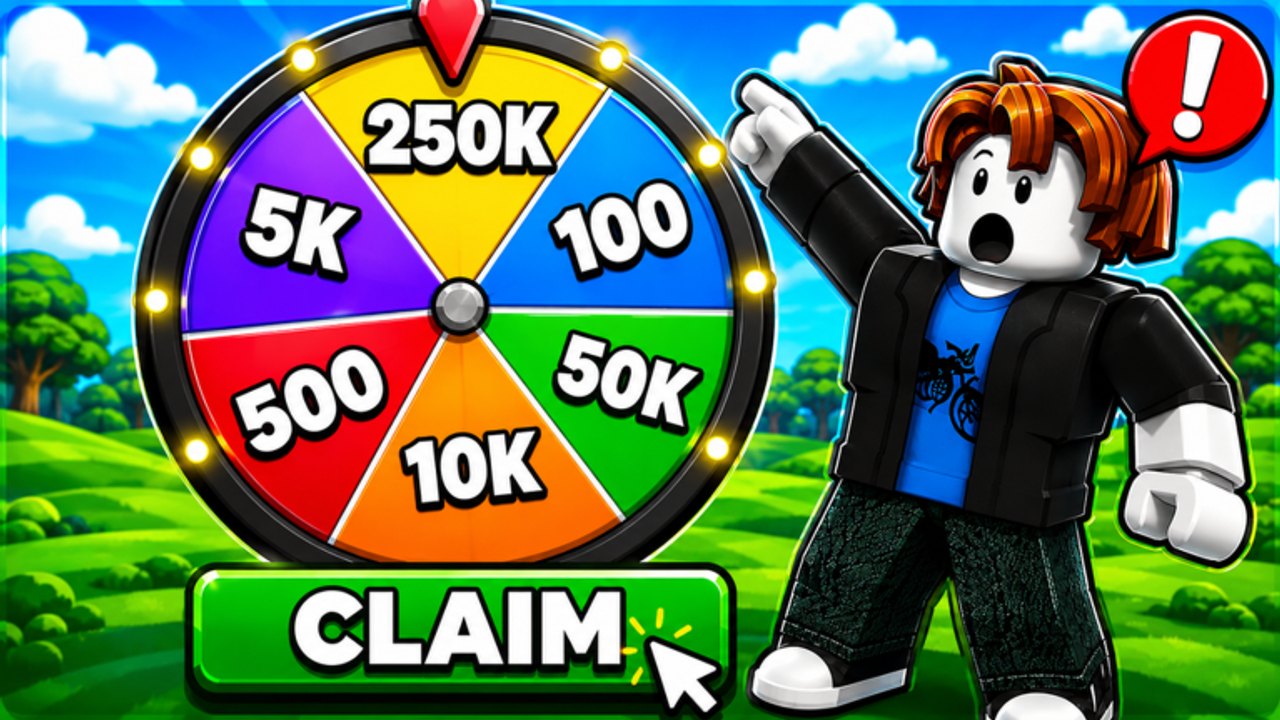
Spin For Free is a Roblox incremental simulator. You do not clear stages to unlock a final boss. You generate spins, roll a wheel, collect credits, and optionally press Withdraw. Servers hold 24 players. The map is a bright lobby with an AFK zone, a shop rail, and a few challenge props. If you came from an obby-only game, this will feel slow on purpose.
The honest version of the loop is below. Pair it with Getting Started if you have not opened the HUD yet, and with how to get spins when you want more rolls per hour.
The loop
- Get a spin. Free timer, codes, AFK Arena 2x, luck chip, invite, or a shop pack.
- Tap the wheel. The color button at the bottom center spends one spin.
- Bank credits. The star bar on the left is your running total.
- Repeat. Idle in the 2x zone between taps if you are not using a script.
- Optional: Withdraw. This is a separate action. It is not the same as spinning. Read prizes before you treat it as a payout machine.
That is the entire game. Everything else is a multiplier, a shortcut, or a warning.
What you are actually spinning for
The official icon shows huge wedge numbers. Those are art. In the lobby you are spinning for session credits and the chance to press Withdraw. P2W Games Studio writes, in the description, that the experience is themed around rewards for enjoyment and does not guarantee rewards. Community notes on the studio’s related spinner say the same in fewer words.
Play it as a spinner. If a video promises “free Robux,” it is selling the theme, not a contract.
Shop, VIP, and Play
Shop is the right-rail (and left-rail) pack list: +10, +50, +250, +500, +1500 spins, often shown with a 99% off tag. Value ranking lives on the tier list and the VIP page.
Play is the dice icon. It opens minigames rather than the main wheel. Use it when you want a break from idle, not as your primary farm.
VIP is the crown. It is a paid convenience layer, not a requirement to learn the loop.
Social layer
Invite sits on the right rail. The description of older sister places asked players to like the game before prizes. Follow that if you care about the studio’s stated rule. Join the group from the links hub if you want extra drops when they happen.
You are in an online 24-player server. Other avatars will idle next to you. They do not steal your timer. They can make the AFK Arena feel crowded. Stand in the banner volume anyway.
What “winning” looks like
A good session is: codes claimed, timer never expired while you were in a menu, luck window used, credits up, no panic spend on the smallest pack. A bad session is: three invalid codes from a 2025 comment, a +10 pack bought in a hurry, and a withdraw click with no idea what the button does.
Use the spin planner if you want that session as a checklist. Use controls if you cannot find a button. Use updates if the HUD you see does not match these names.
Playing well here is mostly patience plus a clean code list. The wheel is the toy. The timer is the game.
Frequently Asked Questions
Quick answers players actually search for in Spin For Free.
Is Spin For Free an obby?
No. It is an incremental simulator with optional challenges. The obby page covers the AFK Arena extras.
What does the Play button do?
It opens the dice minigames. The main farm is still the bottom-center wheel plus the free-spin timer.
Can I play with friends?
Yes. Servers hold 24 players and the HUD has Invite. It is online idle, not a campaign co-op.
Does liking the game matter?
The studio says players who do not like the game cannot get prizes. Liking is not a code, but it is their posted rule.